
Group reporting
Group reporting across countries: 7 controls
Sumledger · August 18, 2026
Seven practical controls that make group reporting across countries, companies and ERP systems more comparable and traceable.

When a group operates in several countries, collecting a report from each company is not enough. CFOs and controllers also need to know that entity data, accounts, currencies, counterparties and periods are comparable and controlled.
This guide covers seven controls that make cross-border group reporting more explainable, whether subsidiaries use one ERP platform or several local accounting systems.
Short answer: what must be controlled across countries?
Cross-border group reporting requires control of legal entities, reporting periods, currencies, account mappings, dimensions, intercompany counterparties and supporting evidence. The goal is not only to collect numbers. It is to treat equivalent items consistently and trace exceptions back to a company, transaction and voucher.
Why another country adds reporting complexity
A new country brings more than another currency. It often adds local registration formats, tax rules, a different chart of accounts, separate deadlines and an accounting system chosen for local needs.
Each choice may be correct locally. The challenge begins when the numbers must form one group view.
A consulting account in one company may contain costs classified as IT elsewhere. One subsidiary uses projects as a dimension while another uses departments. Intercompany invoices may carry a counterparty code in one system and only free text in another.
Without a shared control model, the report can look complete while the comparison remains weak.
A CFO scenario: six companies in three countries
Consider a private group with six companies in Norway, Sweden and Denmark. The Norwegian entities use one accounting system. The Swedish entity uses Fortnox. The Danish company joined through an acquisition and keeps its local system.
At month-end, every company submits a profit and loss statement and balance sheet. Totals agree with the local ledgers. The controller still finds three issues:
- The Danish company booked an internal service to an external supplier account.
- The Swedish company uses a project structure that does not match the rest of the group.
- A Norwegian intercompany invoice was booked in March, while the Danish entry arrived in April.
The local books are not necessarily wrong. Yet all three issues weaken group reporting. The group needs controls that cross company, country and system boundaries.
1. Make every legal entity unambiguous
Start by identifying which company owns the data. Names alone are unreliable because companies can have similar names, local spellings or name changes.
Connect every source to a stable entity record containing the legal name, registration number, country, local currency and ownership share. This makes missing submissions, duplicate loads and incorrect ownership easier to detect.
2. Lock the reporting period and status
All entities must report for the same period, but they may not close at the same time. Show both the period and the status of each submission.
A practical status model distinguishes data received, locally reconciled, group-controlled and approved for reporting. It prevents a group total from silently mixing final and preliminary figures. It also exposes timing differences in intercompany transactions.
3. Separate currency translation from local control
Currency translation makes figures comparable in the reporting currency. It does not prove that a local entry is correct.
Control the local currency, reporting currency, rate, rate date and rate type used for profit-and-loss and balance-sheet items. Present exchange differences as explainable movements instead of hiding them inside a total variance.
4. Maintain a documented account mapping
Local charts of accounts rarely match. A group chart must therefore be built through mapping, not by assuming equal account numbers mean equal things.
For each local account, the finance team should see the target group line, mapping owner, last change date, effective period and whether the account is still unmapped. New and unmapped accounts should be reported explicitly so they do not disappear into an “other” line.
5. Decide which dimensions are comparable
Projects, departments, cost centres and products can share a label but represent different things. Before using a dimension in group reporting, define its group-level meaning.
Some dimensions map directly. Others need grouping. Some should remain local because forced comparison creates noise. The decision must be visible so the CFO knows whether “Sales” represents the same activity across the group.
6. Identify intercompany counterparties before elimination
Elimination begins by identifying both sides of an internal transaction. Across countries, counterparties may appear as registration numbers, customer IDs, supplier IDs, dimensions or free text.
Create shared counterparty logic that links each local identifier to the correct group company. Then control amount, currency, period, account and evidence on both sides. Give every exception an owner and explanation before posting the elimination.
See Seven controls before eliminating intercompany balances for a detailed checklist.
7. Preserve the trail to transactions and vouchers
A group report is stronger when users can follow a number back to its source. This does not mean everyone should see every document. It means a controlled trail exists from group line to entity, local account, transaction and voucher or attachment where data is available.
Traceability makes variance explanations faster and reduces dependence on one person. Controllers should not need three new exports from local teams to explain a material movement.
One ERP platform or several systems?
One ERP platform can reduce variation, but it does not remove the need for group control. Entities may still use different account structures, dimensions, accrual rules and counterparty markers.
Several systems increase the need for mapping and shared control, but they are manageable when the control model is clear. For acquisition-led groups, cross-system control may be more practical than waiting for a complete ERP migration.
Read When ERP reports stop at the company boundary and explore multi-ERP control.
A practical month-end sequence
Use the controls in a fixed order:
- Confirm every legal entity and period is included.
- Separate preliminary, reconciled and approved data.
- Check exchange rates and currency differences.
- Capture new and unmapped accounts.
- Validate group dimensions and local exceptions.
- Match intercompany counterparties before elimination.
- Test that material variances trace back to evidence.
The routine can run in Excel, ERP reports or a shared control layer. What matters is that rules are documented, status is visible and the process does not live only in one controller’s head.
From data collection to group control
Cross-border group reporting is not controlled simply because every entity submitted numbers. Control comes from showing which entities are included, how data is mapped, what exceptions remain, how intercompany items were handled and where the evidence sits.
Sumledger connects to ERP and accounting systems and gives CFOs and controllers one control layer for reporting, mapping, consolidation, eliminations and analysis. Where data is available, teams can work from group figures down to accounts, dimensions, transactions, vouchers and attachments.
Want to see how Sumledger brings group control together across companies, countries and systems? Book a short demo.
Relevant to explore
Group reporting
Unify reporting and consolidation for growing groups across companies and systems.
Multi-ERP control
Give finance one shared control layer even when subsidiaries use different ERP and accounting systems.
Financial control
Start at group level and drill down to company, account, transaction and voucher where data is available.
ERP integrations
Connect Sumledger to Fortnox, Business NXT, Tripletex, PowerOffice Go and more. Your numbers flow in automatically – no exports, no copy-paste, no delays.
Bring group control together across countries
See how Sumledger gives CFOs and controllers one shared control layer across companies, countries and ERP systems.
Book a short demoRead next
Related articles
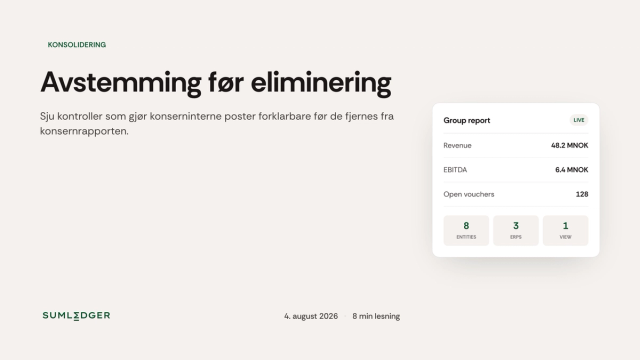
Reconcile Before You Eliminate: 7 Checks
Check counterparty, amount, period, mapping and documentation before eliminating intercompany balances.
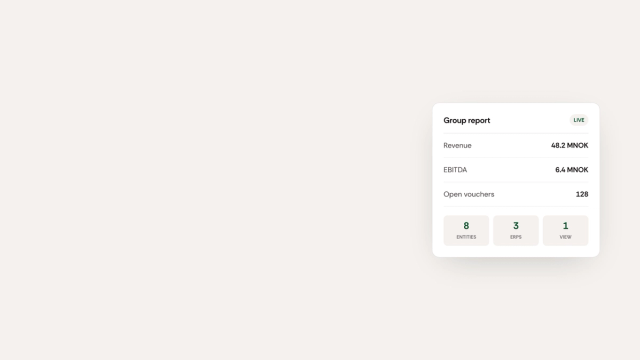
When ERP Reports Stop At The Company Boundary
Local ERP reports may be trusted inside each subsidiary. The problem starts when finance needs to explain group numbers across companies.
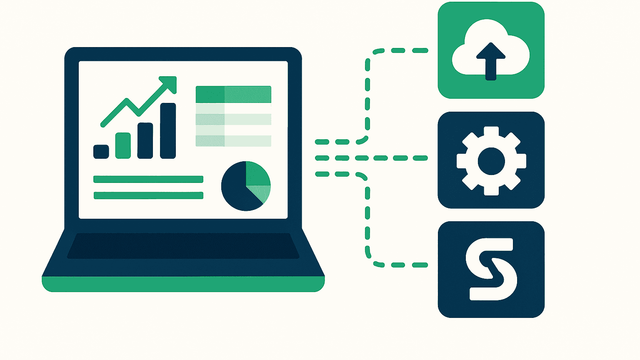
Why Multi-ERP Groups Struggle With Reporting (And How to Fix It)
A practical approach to account mapping, intercompany entries and variance analysis across different accounting systems.