Product
How to Build a Scalable Reporting Stack for Growing Groups
Sumledger
Build a reporting foundation around source data, shared account mapping, controlled eliminations and clear ownership as the group grows.

A growing group needs a reporting setup that can accommodate new entities without rebuilding every control. The goal is not simply faster data transfer. It is a report that finance can compare, review and explain as the structure changes.
1. Document source-system coverage
List the accounting systems used by each entity. Confirm supported integrations, available data and refresh arrangements. Plan explicitly for gaps rather than assuming every system connects in the same way.
2. Establish a shared reporting structure
Map local charts of accounts to the group structure and define the dimensions needed for comparison. Give finance ownership of mapping changes, including checks for newly added accounts.
3. Define intercompany controls
Establish how intercompany transactions are identified and how differences are investigated. Elimination logic depends on accounts, dimensions, counterparties or other reliable source markings.
4. Validate reports and KPI definitions
Agree which periods, entities and calculations each report includes. Check totals and KPI formulas before sign-off. New entities should go through the same checks as existing ones.
5. Preserve a path to explanation
Use entity, account and dimension analysis to investigate variances, with transaction and document detail where available. Keep ownership of exceptions visible as the group expands.
Where Sumledger fits in the stack
Sumledger provides a shared financial control layer across supported accounting systems for group reporting, consolidation, eliminations and analysis. It does not replace every local ERP, and Excel can continue to support suitable finance workflows.
Relevant to explore
Group reporting
Unify reporting and consolidation for growing groups across companies and systems.
Multi-ERP control
Give finance one shared control layer even when subsidiaries use different ERP and accounting systems.
Financial control
Start at group level and drill down to company, account, transaction and voucher where data is available.
Explore group reporting for your group
See how a shared reporting layer can support your entities, accounting systems and month-end controls.
Explore group reportingRead next
Related articles
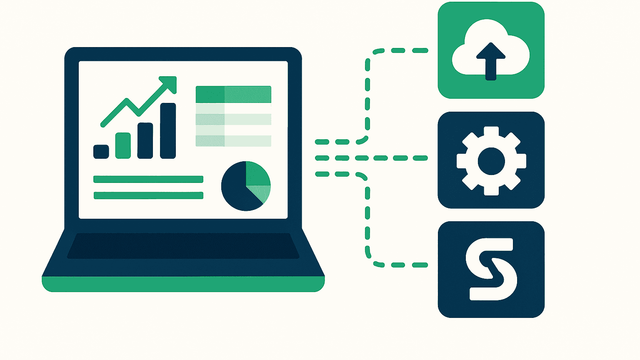
Why Multi-ERP Groups Struggle With Reporting (And How to Fix It)
A practical approach to account mapping, intercompany entries and variance analysis across different accounting systems.
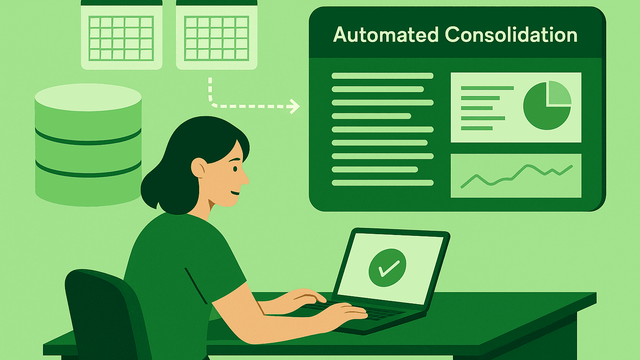
Excel vs. Consolidation Software: When Is It Time to Switch?
Use control, complexity and reporting effort to decide when Excel is sufficient and when a shared group reporting layer becomes useful.
Kravia streamlines Nordic reporting with Sumledger
Kravia, a rapidly growing player in invoice follow-up and debt collection, has chosen Sumledger as its solution for reporting and consolidation. With operations in Norway, Sweden, and Finland, Kravia now gathers data from multiple systems and countries into one flexible platform.