
Product
The True Cost of Manual Group Reporting (And Why Automation Pays Off)
Sumledger
Manual group reporting looks simple on the surface, but the hidden costs are significant. Time-consuming exports, manual mappings, currency errors and dependency on key individuals slow down the entire finance function. Automated consolidation removes this friction by standardising data, updating numbers in real time and eliminating manual work while Sumledger still provides full Excel flexibility through Sumledger EXL. The result is faster reporting, fewer errors and more time for meaningful analysis.

For many finance teams, manual group reporting still feels like the safest option. Excel is familiar, flexible and powerful. But as organisations grow, add subsidiaries and operate across multiple systems, the real cost of manual reporting becomes larger and harder to ignore.
What appears to be “simple Excel work” often hides hours of consolidation, cleaning, importing, checking and troubleshooting. And these hidden costs impact speed, accuracy and decision-making across the entire group.
Here’s what manual group reporting really costs your organisation — and why automation delivers a faster and more scalable alternative.
1. Time spent on manual work
Manual consolidation typically involves:
• Exporting data from multiple ERP systems• Aligning charts of accounts• Copying and pasting into templates• Managing eliminations manually• Adjusting currency conversions• Checking version after version
For a group with just 4–6 companies, this can easily take 10–20 hours per month.For larger structures, it becomes a full-time job.
Time that could be spent on analysis is instead spent on data preparation.
Human-driven processes break easily.
Common pitfalls include:
• Wrong file imported• Missing rows or columns• Lookup formulas pointing to outdated sheets• Currency errors• Duplicate numbers• Misaligned charts of accounts
All it takes is one small mistake for the entire reporting package to be wrong — and the finance team must restart the process.
Excel is static. It shows the numbers you exported, not the current reality.
In a dynamic group, data changes daily:
• Late postings• Adjustments to prior periods• Corrections from accountants• Updated currency rates
If reporting takes days, the final result is no longer real-time — it’s a snapshot of what the numbers looked like several days ago.
Most groups rely heavily on one or two people who “own” the spreadsheet logic.
This creates:
• Vulnerability during vacations or turnover• Operational risk• Knowledge silos• A process that cannot be scaled
If a company’s group reporting depends on a single Excel expert, the process is fragile.
Manual reporting breaks when a group:
• Adds new companies• Enters new countries• Uses multiple ERP systems• Has acquisitions happening frequently
Each step adds more complexity — more charts of accounts, more currencies, more adjustments.
Excel simply wasn’t built for multi-ERP, multi-company consolidation at scale.
Why Automation Pays Off
Modern consolidation platforms remove the manual work and create a single, trustworthy version of the numbers.
Here’s how automation changes the picture:
1. Automated data flows from every ERP system
Sumledger connects to Tripletex, Fortnox, PowerOffice Go, Business Central, Unimicro, Business NXT, QuickBooks and more — with nightly updates.
No CSVs. No merging files. No manual imports.
2. Standardised group chart of accounts
Each company can keep its ERP structure, while the group gets a harmonised chart.
No more mapping sheets or manual alignment.
3. Reporting that stays current
Consolidated numbers update automatically, so finance teams can:
• Spot issues faster• Make decisions sooner• Share reliable numbers across the organisation
The reporting package always reflects the latest postings.
4. Built-in currency and ownership logic
Currencies, eliminations and ownership structures are handled automatically — even across multiple countries and complex group setups.
5. Excel when you need it
Automation doesn’t replace Excel — it enhances it.
With Sumledger EXL, finance teams can pull every transaction from the platform straight into Excel for further analysis, modelling or custom reporting.
You get automation where it matters and flexibility where you need it.
Conclusion
Manual group reporting might seem inexpensive at first, but the hidden costs add up quickly: slow processes, errors, dependency on key people and limited scalability.
Automated consolidation gives you:
• Real-time data• Reliable reporting• Fewer errors• More time for analysis• A scalable setup for future growth
In short: automation pays for itself long before your next reporting cycle.
Relevant to explore
Financial control
Start at group level and drill down to company, account, transaction and voucher where data is available.
Group reporting
Unify reporting and consolidation for growing groups across companies and systems.
Excel reporting
Keep Excel where it adds value, but work from controlled and updated numbers.
Want to see how this works for your group?
See how Sumledger gives finance one control layer across companies, ERP systems, reporting and consolidation.
Book demoRead next
Related articles
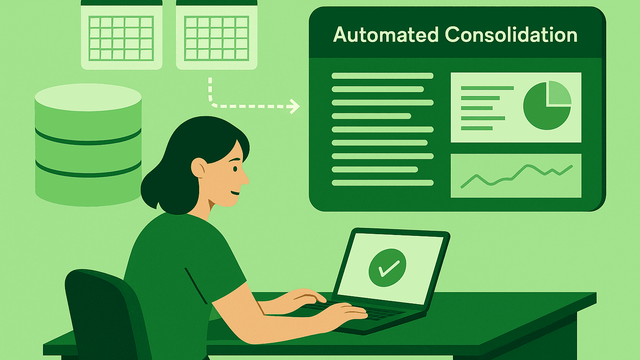
Excel vs. Consolidation Software: When Is It Time to Switch?
Use control, complexity and reporting effort to decide when Excel is sufficient and when a shared group reporting layer becomes useful.
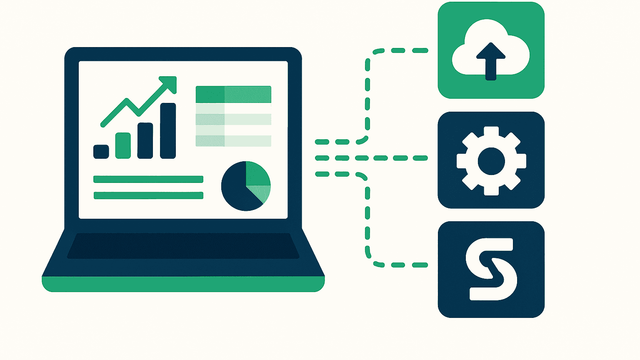
Why Multi-ERP Groups Struggle With Reporting (And How to Fix It)
A practical approach to account mapping, intercompany entries and variance analysis across different accounting systems.

How to Build a Scalable Reporting Stack for Growing Groups
Build a reporting foundation around source data, shared account mapping, controlled eliminations and clear ownership as the group grows.