
Group reporting
Data Flow Is Not Group Control
Sumledger · July 28, 2026
APIs, imports and better ERP data make reporting easier. But group logic still needs to be owned, explained and controlled by finance.

When ERP systems get better APIs, faster imports and more structured data, it is tempting to believe group reporting will soon solve itself.
It rarely does.
Better data flow matters. It makes it easier to retrieve charts of accounts, trial balances, dimensions, transactions and vouchers from source systems. It reduces friction at month-end. It helps finance avoid some manual exports and imports.
But data flow is not the same as group control. Data can move faster without giving the group better answers to the questions that matter: Which numbers are comparable? Which items should be eliminated? Where is the variance? Which company, account, dimension or voucher explains the movement?
For private groups with several companies, this is often the important distinction. ERP and accounting systems are improving. That improves the raw material. But group logic still needs to be owned by the CFO, controller and finance team.
Short answer: what is group control?
Group control is the finance team’s ability to collect, compare, explain and review numbers across companies, accounting systems, accounts, dimensions, transactions and vouchers.
Good group control is not only about retrieving data. It requires shared reporting logic, controlled mapping, clear eliminations, traceability from group number to underlying detail, and a reporting process that more than one person can understand.
Why better data flow is not enough
An API can retrieve data. An import can update the reporting base. An accounting system can make local bookkeeping, invoice workflows and reconciliation more structured.
All of that helps. None of it decides, by itself, how local data should become group reporting.
Group reporting requires choices that often sit above the source system:
- which local accounts map to shared report lines
- which dimensions actually mean the same thing across companies
- how intercompany transactions should be identified and eliminated
- which entities, periods and currencies belong in the reporting package
- how variances should be explained to management, the board or owners
- which Excel workflows still add value, and which should move into a control layer
When these choices are not explicit, they often end up in Excel. The report may look clean, while the group logic sits in formulas, manual adjustments and local knowledge held by one controller.
A CFO scenario: six companies and four data sources
Consider a Nordic group with six companies. The parent company uses Business NXT. Two subsidiaries use Tripletex. A Swedish company uses Fortnox. A newly acquired company still sends a reporting package from another accounting system.
During the year, several of the systems have improved exports, API access or import options. That is positive. The controller can retrieve more data more often, and month-end starts with fewer manual files than before.
Still, the CFO faces the same group questions:
- Are revenue lines classified consistently across all companies?
- Is internal revenue marked in a way that makes eliminations traceable?
- Do department, project and cost centre mean the same thing across entities?
- Which adjustments were made after import?
- Can we explain the EBITDA movement from group number down to transactions and vouchers?
If the answers sit in an Excel workbook beside the reporting process, data flow has improved, but group control is still fragile.
APIs move data. Finance owns the logic.
This is also the point in APIs move data. CFOs must explain the number: data access is a prerequisite, not the final outcome.
For CFOs and controllers, the question is not only whether systems can talk to each other. The question is what finance does with the data once it arrives.
Examples:
- A transaction can be retrieved correctly, but mapped to the wrong group line.
- A dimension can be available, but not comparable across entities.
- An intercompany invoice can be imported, but not marked in a way that supports controlled elimination.
- A voucher can sit in the source system, while the report user still needs to find it from the group report.
Better data flow should strengthen control, not hide the logic deeper inside the reporting model.
ERP reporting often stops at the system boundary
Local ERP reports are important. They are often the best source for local numbers, vouchers, transactions and dimensions.
But ERP reporting is usually designed for the company or system it lives in. As we wrote in ERP reporting vs group reporting, the gap appears when the CFO needs to see across companies, systems and reporting structures.
A local report can be correct and still not be enough for the group. It may show the right result for one company, but it does not necessarily explain how the number should be compared with another company, how intercompany activity should be eliminated, or how the report line fits the group’s management model.
That does not mean the ERP is weak. It means group control is a separate job.
When faster imports create false confidence
Faster data flow can also create false confidence. When numbers update more often, the report may feel more controlled than it really is.
CFOs should separate three levels:
- Data has been retrieved.
- Data has been structured.
- Data has been controlled through group logic.
Many groups reach level two and stop there. They have trial balances, charts of accounts, dimensions and transactions in place. But they lack one shared workspace for mapping, eliminations, exceptions, drilldown and approval.
That is often when Excel returns. Not because finance lacks systems, but because group logic does not have a clear home.
Practical control questions before the next close
Before the next month-end, CFOs and controllers should ask:
- Which data comes directly from source systems, and which is entered manually?
- Where does the mapping between local accounts and group lines live?
- Which dimensions are used in reporting, and are they comparable?
- How are intercompany transactions identified?
- Where are eliminations and manual adjustments documented?
- Can we move from group number to company, account, transaction and voucher where data exists?
- Who can explain the reporting model if the key person is unavailable?
- Which Excel files are still necessary, and which exist because the control layer is missing?
The answers show whether the problem is mainly data access, reporting structure or group control.
How a control layer helps
A control layer for group finance sits above local ERP and accounting systems. It should not replace them. It should let finance work with group logic in one place.
For a private group with 3-20 companies, that often means:
- shared reporting across companies and systems
- mapping between local accounts, dimensions and group structure
- controllable eliminations and intercompany transactions
- drilldown from report to transaction, voucher and attachment where data is available
- a reporting process that does not depend on one Excel model
- continued Excel use where Excel adds value, but not as the only control system
Read more about group reporting for private groups to see how this kind of control layer fits into a broader reporting model.
Sumledger’s role
Sumledger is built for private Nordic groups that have outgrown Excel but do not need a heavy enterprise EPM system.
Sumledger connects to ERP and accounting systems and gives CFOs and controllers one shared control layer for group reporting, consolidation, eliminations, analysis and Excel workflows. Where data is available, finance can work from group numbers down to accounts, dimensions, transactions, vouchers and attachments.
The point is not only to retrieve data faster. The point is to make group logic visible, controllable and less person-dependent.
Summary
Better APIs, imports and ERP data are good news for finance teams. They improve the raw material and reduce manual work.
But group reporting does not become controlled just because data flows better. CFOs and controllers still need to own mapping, eliminations, comparability, exceptions and explanation.
Data flow is the start. Group control is the work that makes the numbers useful.
Want to see how Sumledger brings data flow and group logic into one control layer? Book a short demo.
Relevant to explore
Group reporting
Unify reporting and consolidation for growing groups across companies and systems.
Multi-ERP control
Give finance one shared control layer even when subsidiaries use different ERP and accounting systems.
Financial control
Start at group level and drill down to company, account, transaction and voucher where data is available.
ERP integrations
Import accounting data from the systems your companies already use. Sumledger imports data every hour. Available data depends on the integration and setup.
See how data flow becomes group control
Get a short walkthrough of how Sumledger gives CFOs and controllers one shared control layer across companies, ERP data, eliminations and reporting.
Book a short demoRead next
Related articles
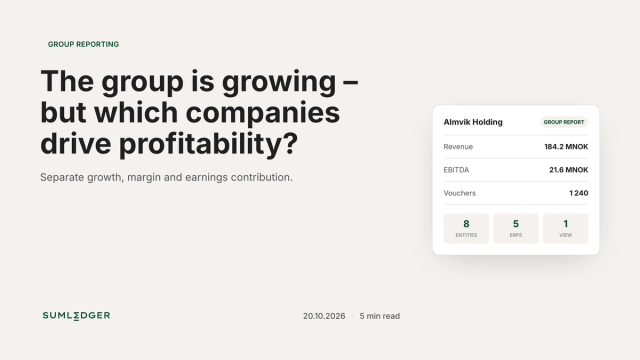
The group is growing – but which companies drive profitability?
Revenue is rising. The sales report looks strong. Yet the group margin is falling. Before management asks every company to cut costs, the CFO needs to answer one question: Has operating performance deteriorated, or is the group growing fastest where margins were already lower?
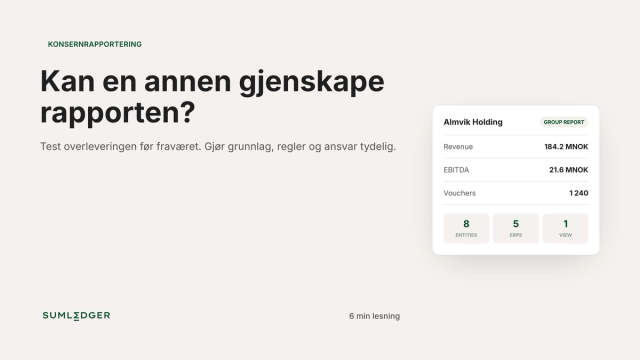
Group reporting without key-person dependency
Could another controller reproduce the group report when its usual owner is away? A simple handover test reveals where reporting still depends on verbal explanations, personal files and undocumented decisions.
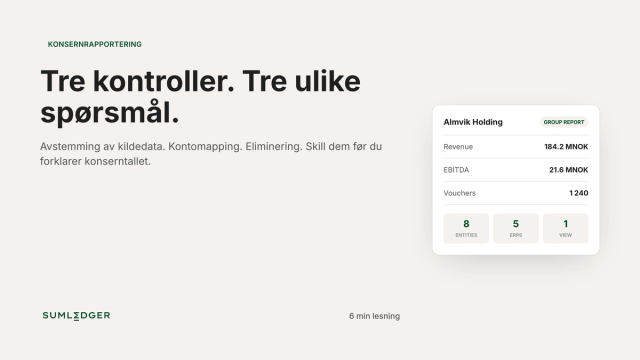
Reconciliation, mapping and eliminations: three checks
A group figure can agree with the accounting system and still be wrong in the group report. Source-data reconciliation, account mapping and eliminations answer different questions. Keeping them separate makes it easier to locate errors and document why a report is ready to use.